A model on the phone
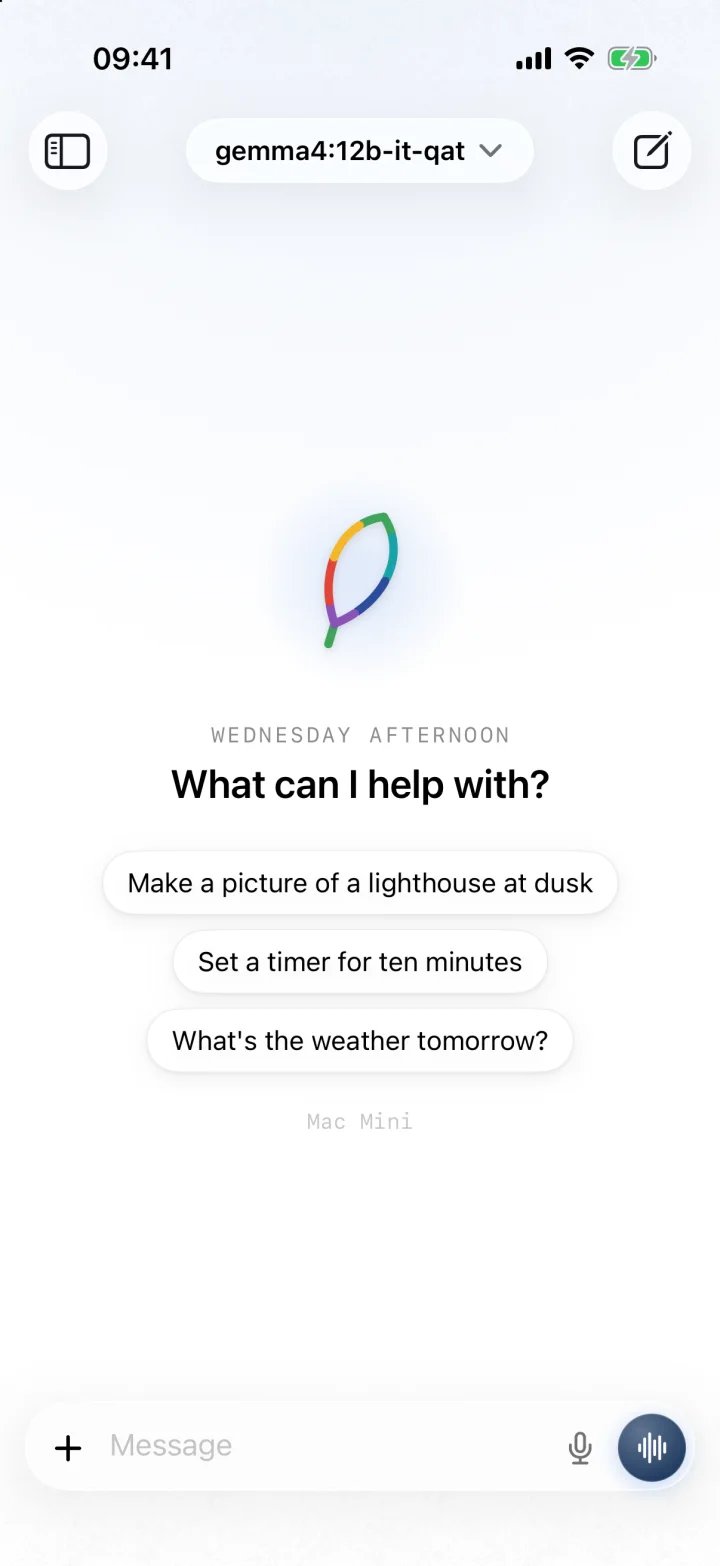
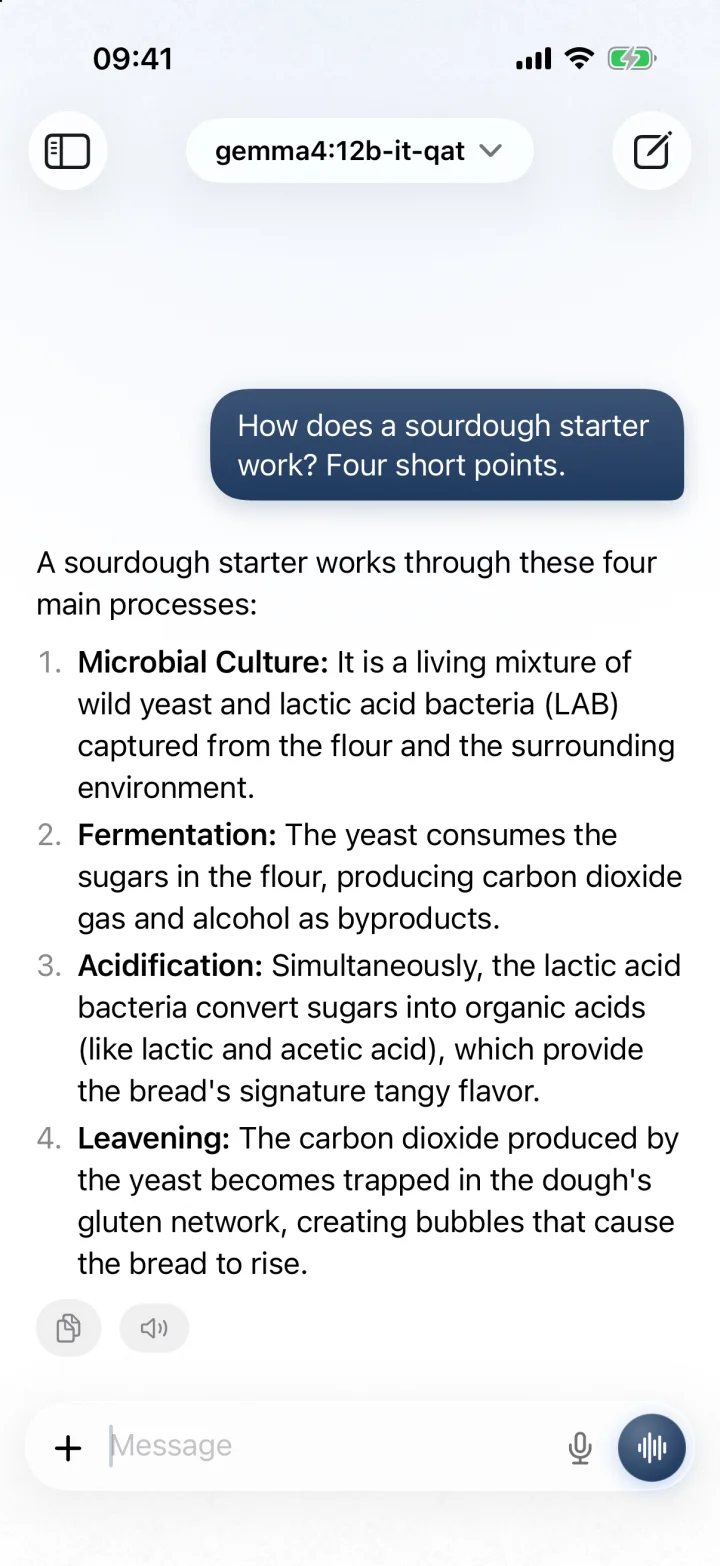
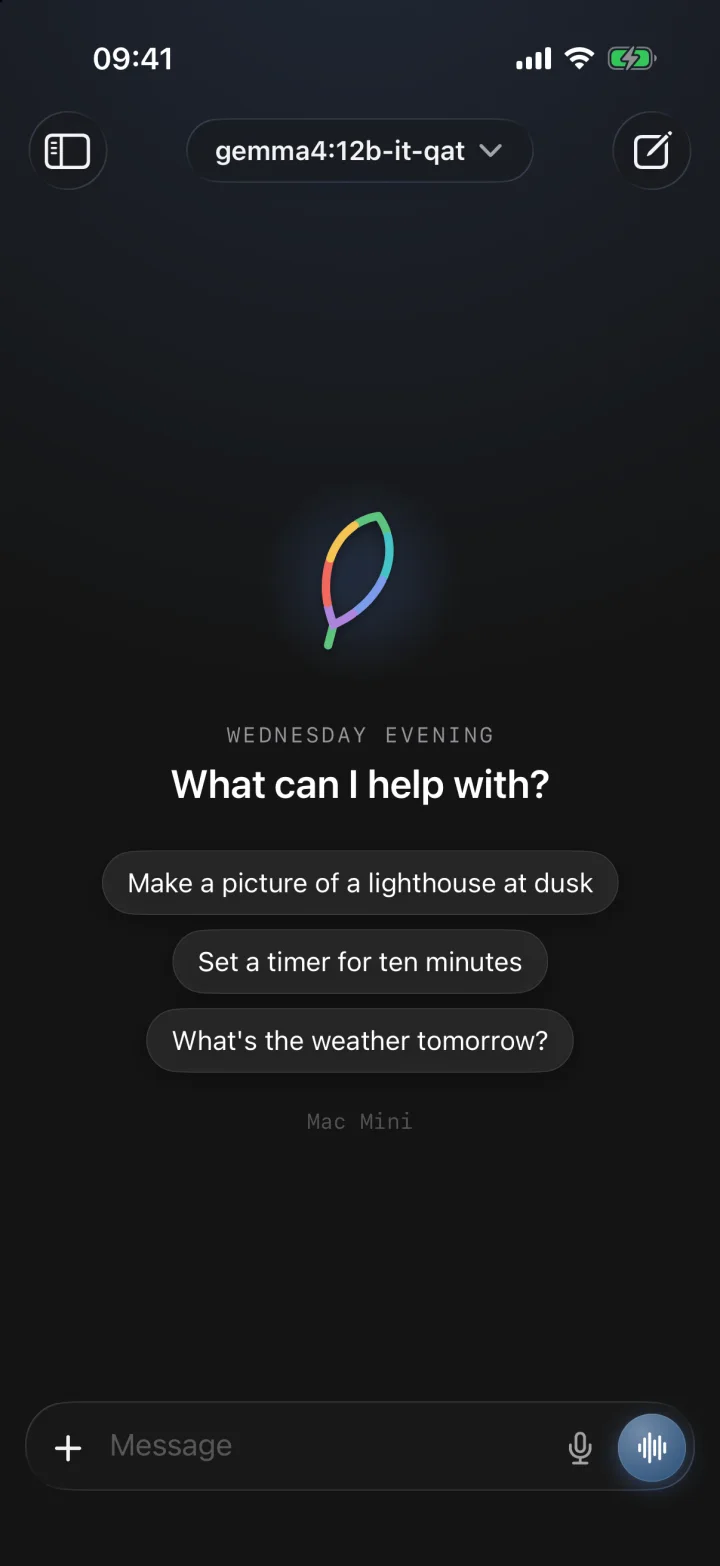
Download Gemma once and Morwen answers with nothing leaving your iPhone. No account, no key.

Free for iPhone and iPad
Morwen is a multi-tool for AI chat. Talk to a model on your iPhone, on a computer at home, or in the cloud with your own key, and get everyday jobs done.
No account. Nothing collected. Needs iOS 26.
Why Morwen
Run a model on your phone, on a computer of your own, or in the cloud with your own key. Switch between them in any chat.
Timers, your calendar, web search, your documents and pictures. Ask in plain English and it gets on with it.
No account, no analytics, no servers of Morwen's own. Your messages go only to the model you chose.
The film
What it does
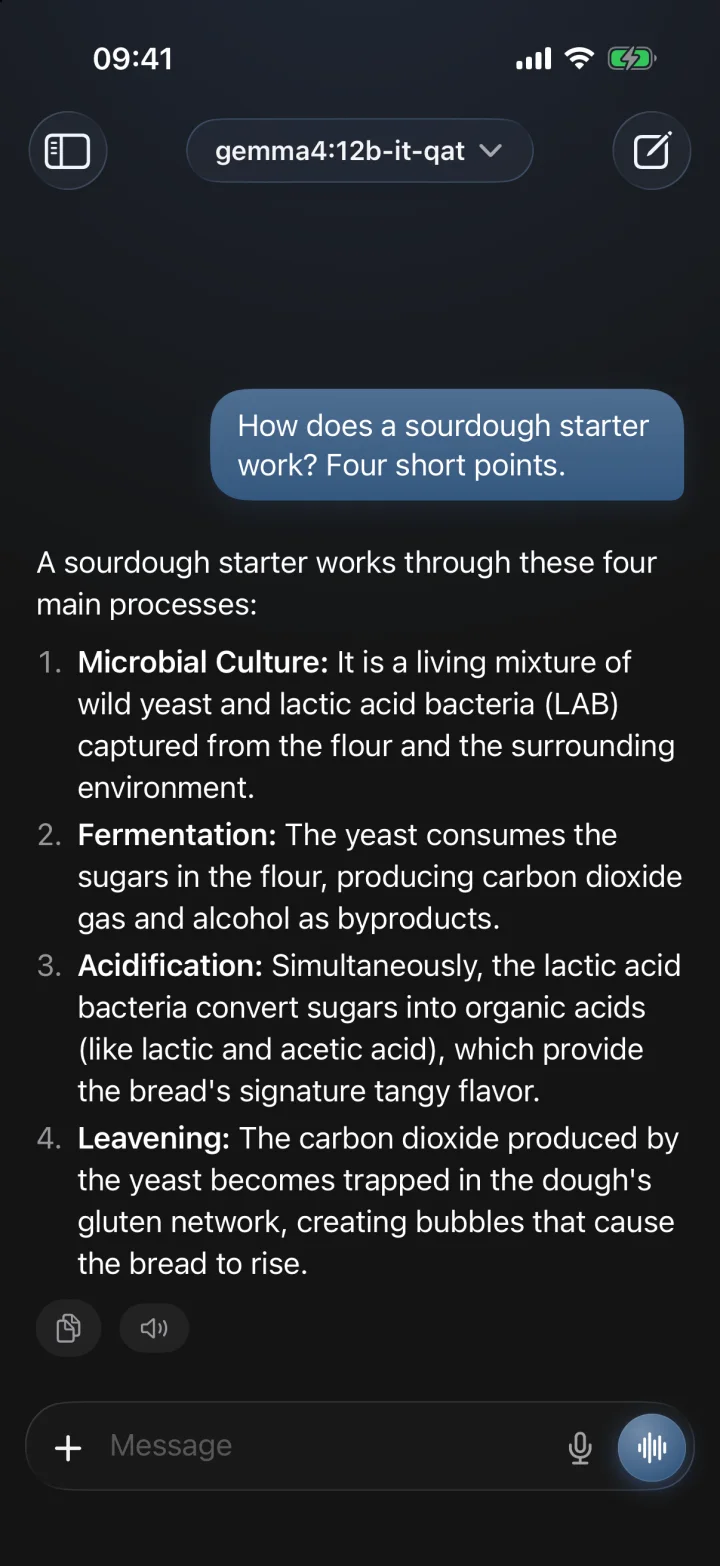
Everything below works with the model you pick, and nothing happens without you asking.
Download Gemma once and Morwen answers with nothing leaving your iPhone. No account, no key.
Point it at Ollama or LM Studio at home. Morwen finds them on your network for you.
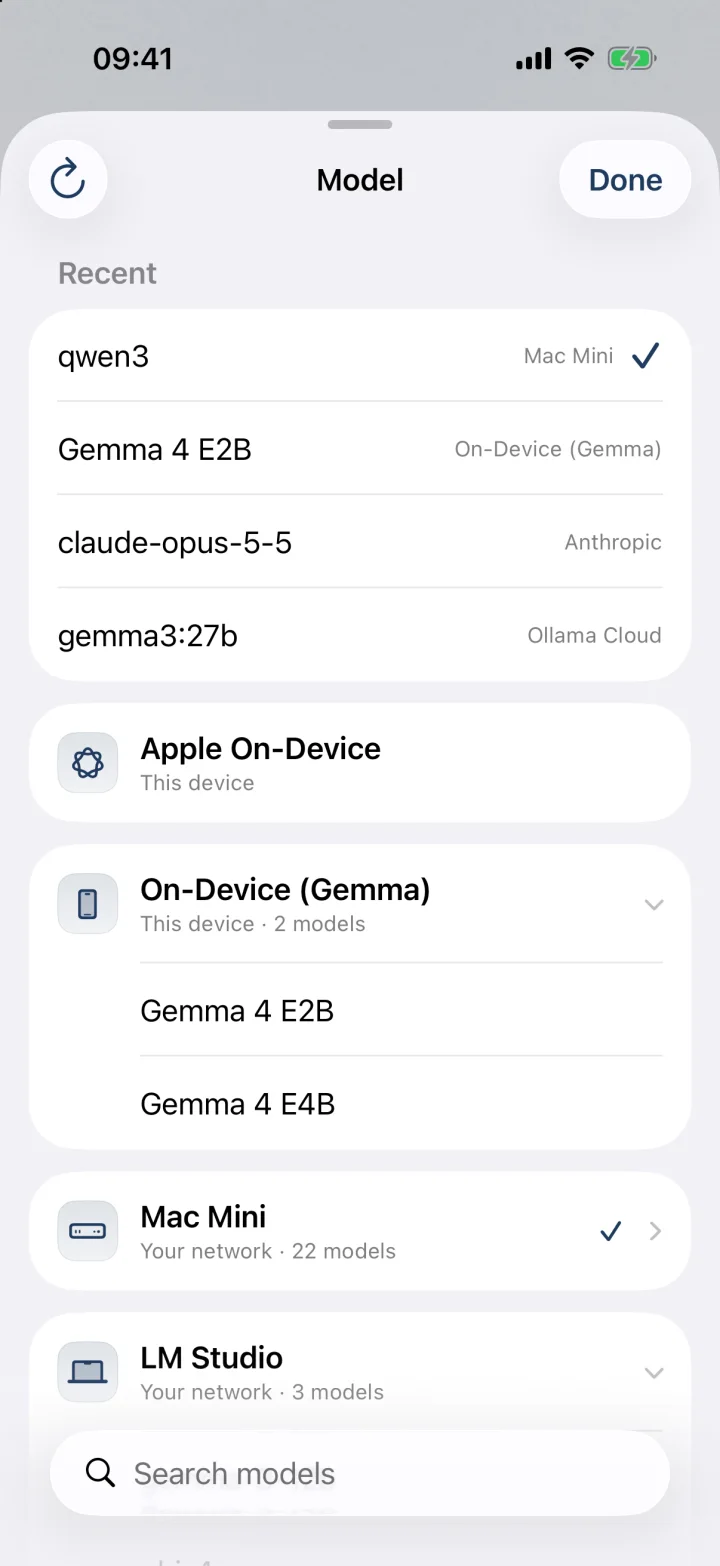
The model picker folds by machine, keeps recent models on top, and searches everything.
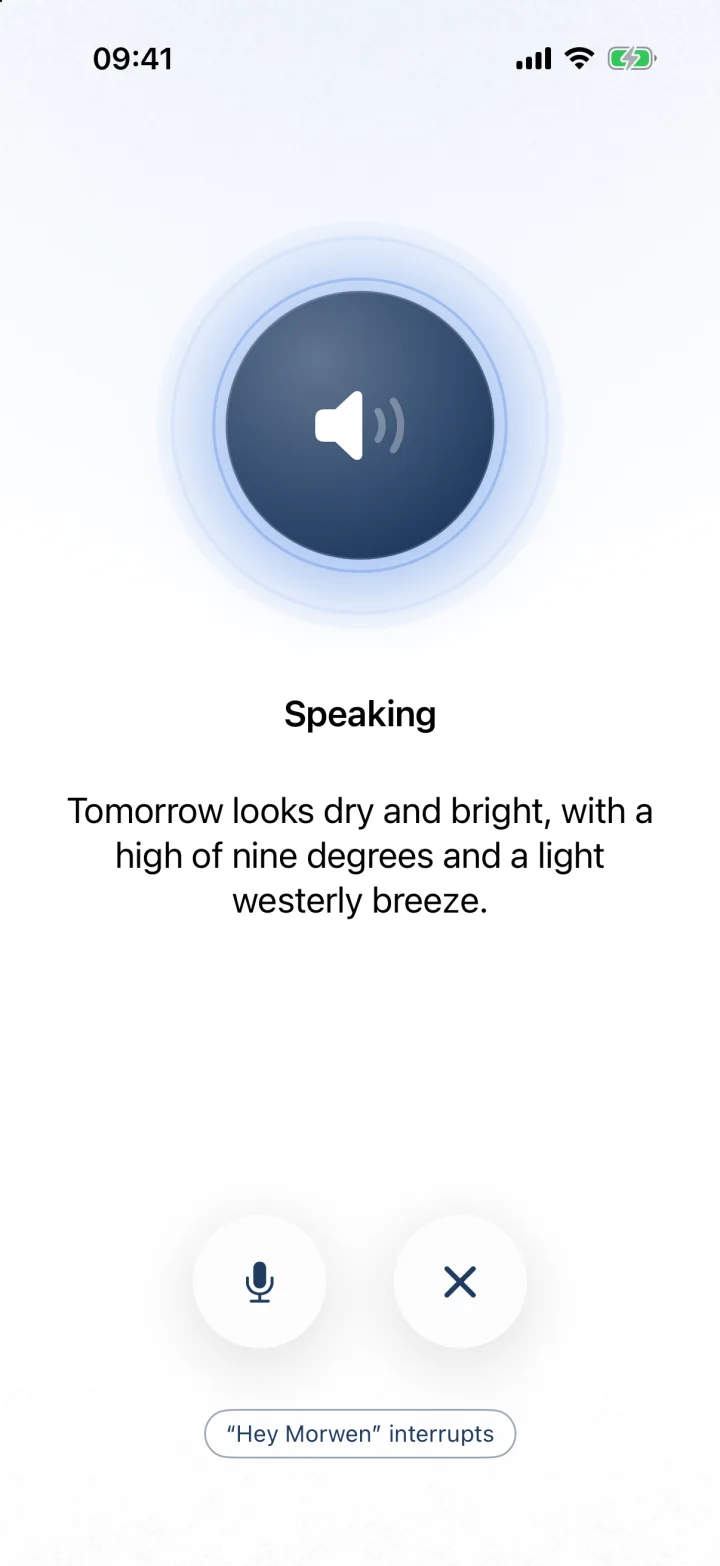
Voice mode listens, thinks and speaks. Turn on “Hey Morwen” to start it by voice.
Ask about today's news with no key to set up. Each answer says where it came from.
“Pasta, ten minutes.” The countdown sits on the Lock Screen and in the Dynamic Island.
Check what's on, add reminders, and ask questions of a folder of your own documents.
Download an image model and make pictures on the device itself, from a line in any chat.
Connect your own apps and services. Morwen shows what it will send and waits for your yes.
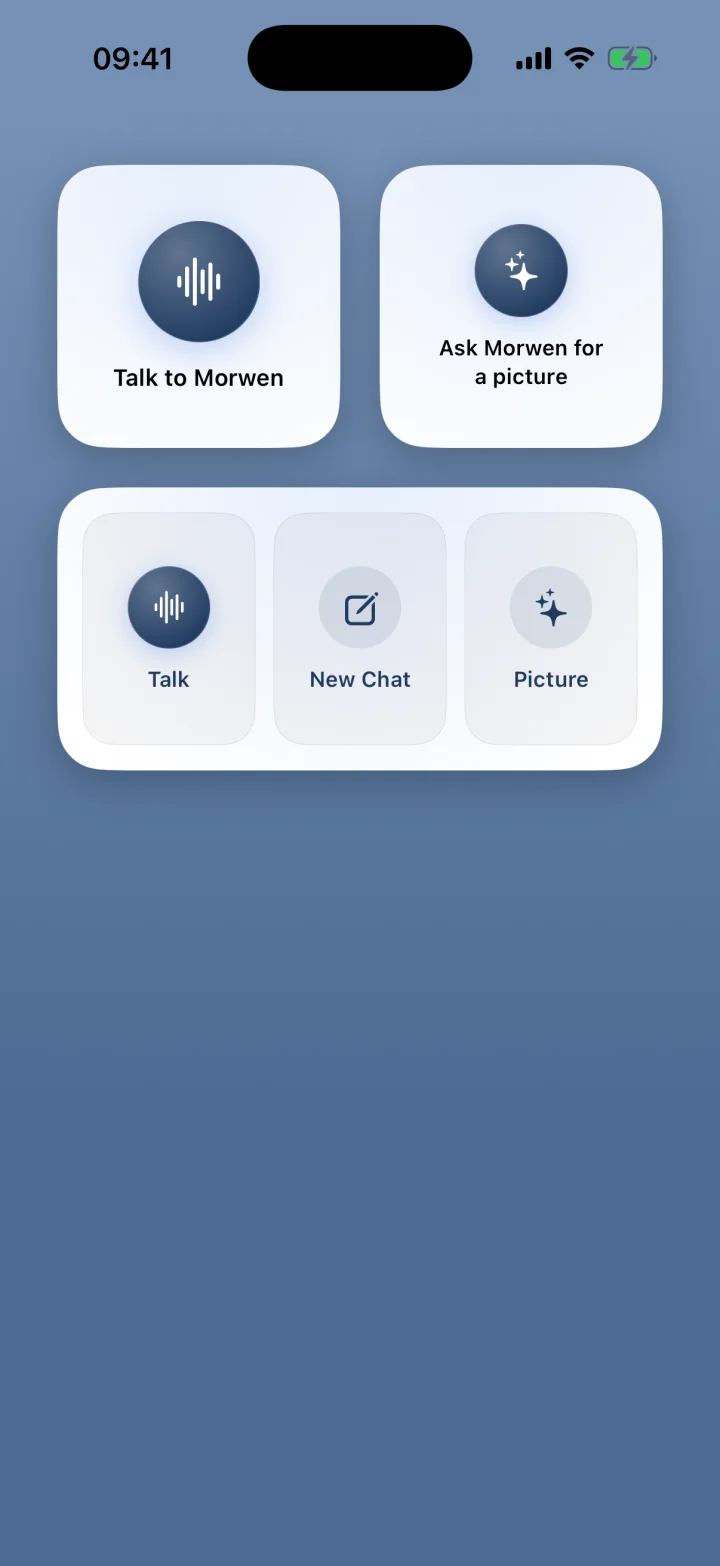
Also in the box: Home Screen and Lock Screen widgets, a share sheet, a Face ID lock, light and dark, and replies that carry on when you leave the app.
A closer look
iPhone Duo
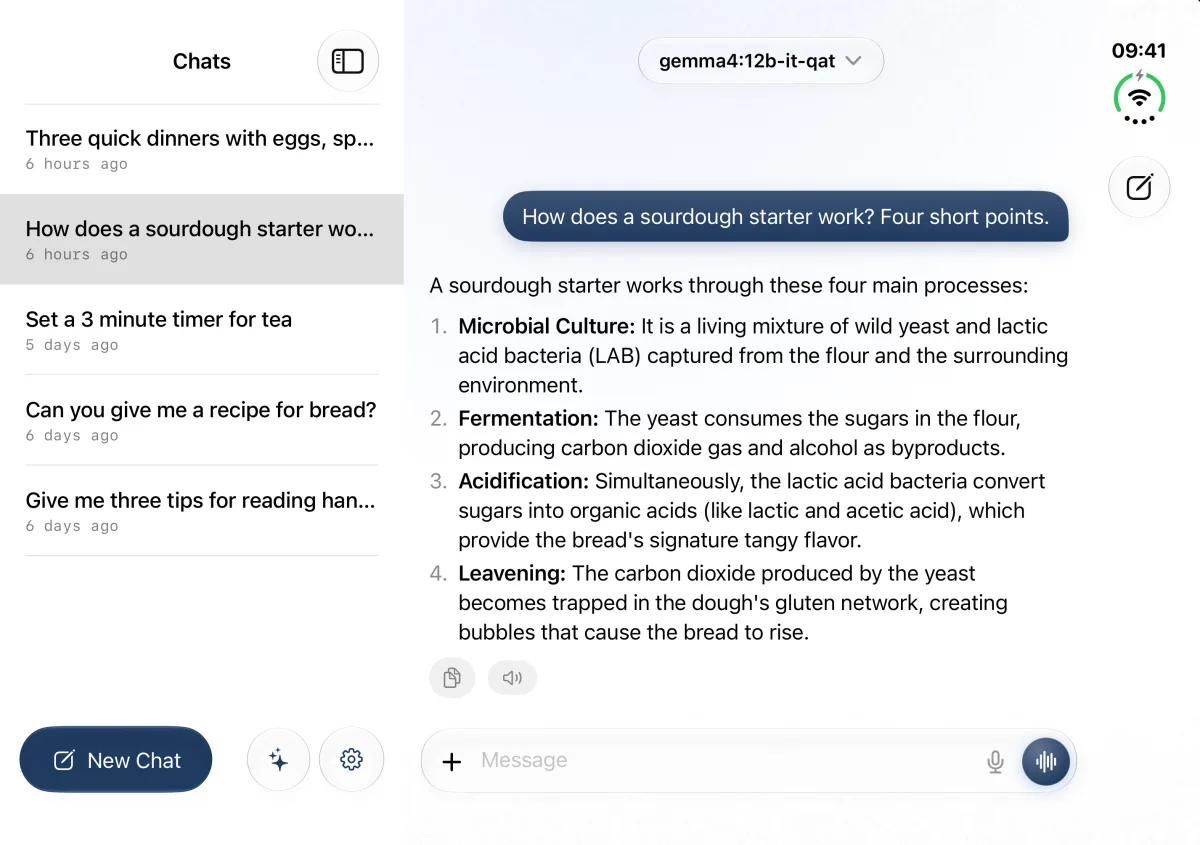
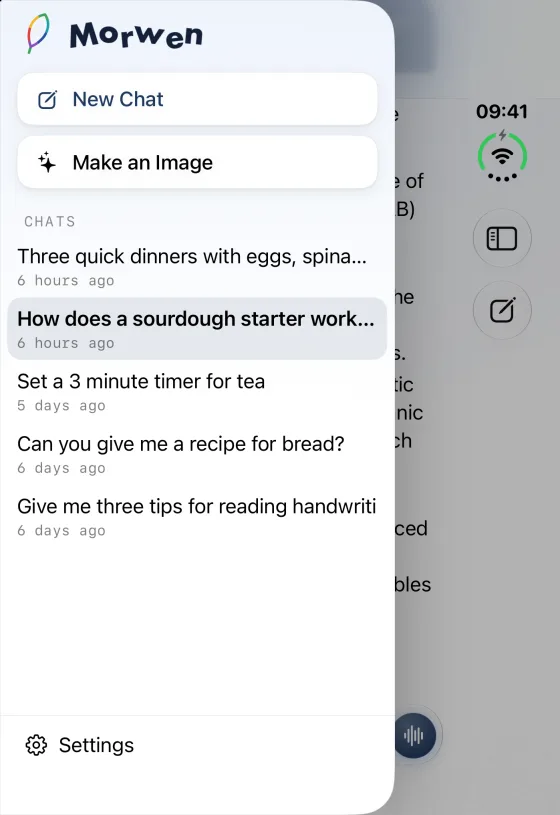
On iPhone Duo, Morwen follows the fold. Closed, the chats slide in over the chat. Open it out and they sit beside it, with room to read. Your chat carries on, mid-sentence, either way.
Stand it half open, upright, and it's a small laptop. Laptop Mode brings up a full-width keyboard on the flat half and keeps the conversation on the screen above it.
Where it thinks
Use one, or all three. Morwen keeps them in one list and lets you switch in any chat.
Download Gemma and it answers on the device, offline, with no account or key. With Apple Intelligence, Apple's own model is there too.
Run Ollama or LM Studio on a Mac or PC at home and Morwen finds it on your network. Bigger machines run bigger models.
Add your own key for a cloud service. Morwen names the service and asks before the first message goes, and the service bills you directly.
Privacy
Morwen has no account, no analytics and no servers of its own, so there is nothing for us to collect. Keys stay in your Keychain. Before a message goes to a cloud service, or a connector changes anything, Morwen asks. Read the privacy policy.
Good to know
Free for iPhone and iPad. Not currently offered in the European Union.